
The problem: explaining a device issue over the phone
A person asking for help may struggle to describe the screen they can see. The technician asks for another explanation, a message or a photograph, while both people try to establish what is happening. Some support tasks benefit from viewing the same screen after the device user approves access.
SelectIT Remote supports this interaction through a dedicated application. Screen viewing provides a common reference, while chat and file transfer support the surrounding conversation. A buyer can evaluate the complete support journey: connecting, approving access, doing the agreed task and closing the session.
Implemented desktop and mobile functions
The Windows application is built in Rust and has an Android companion. Its remote support workflow includes screen viewing and control following access approval, chat, file transfer and monitor selection. These functions support sharing the relevant context during a session.
Review the current application documentation for platform capabilities, permissions and supported operating-system versions. Make a short list of the Windows and Android devices your team uses, then compare the actions needed on each platform with the available workflow.
A sensible way to review the application
Start with the application page and its current download and usage information. If you choose to evaluate a session, use devices you own or are authorised to support, confirm who is connecting, and agree the purpose before approving access. Review the requested permissions rather than treating approval as a routine click.
Evaluate one small agreed support task from start to finish: connect the devices, approve access, view the relevant screen, use chat or file transfer as needed, and end the session. This creates a repeatable checklist for deciding how the application fits your support routine.
Preparing the support workflow
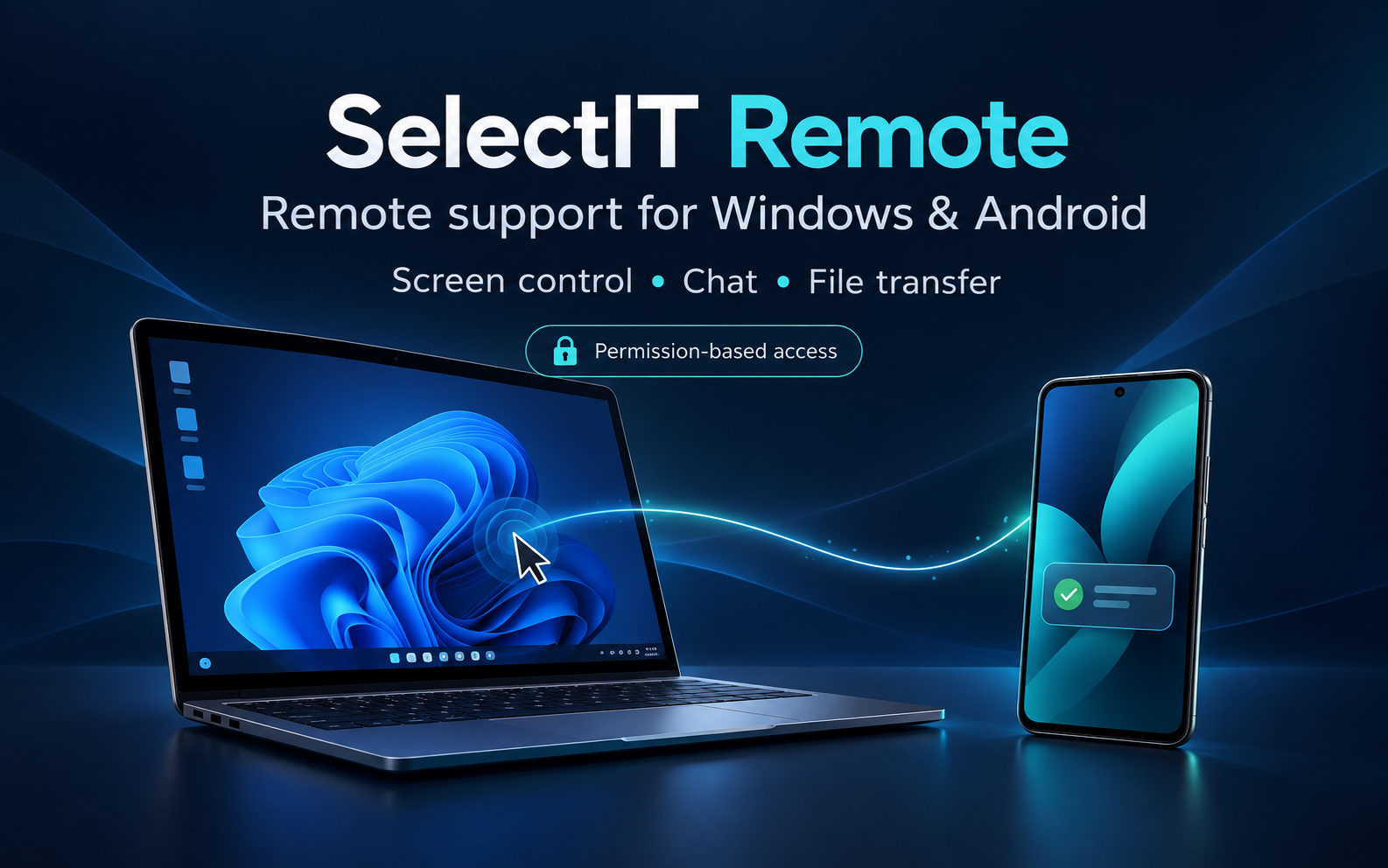
The portfolio image is an English promotional illustration. Follow the application link for the actual product information and current downloads. During your review, look at the screen-selection controls and how the supported communication tools fit the task you want to complete.
For a team rollout, define who requests help, who provides it and how approval fits the support process. Include platform requirements, installation, the expected session workflow and the information users need to start and finish a support request.
What this demonstrates for a custom software brief
A business process may need a desktop application, a mobile companion or an integration rather than another website. The first question is what the user needs to do and which permission or confirmation must happen before that action.
For a related project, describe the people, devices, supported platforms and the boundaries of access. We can discuss feasibility and a written scope, including testing, distribution, maintenance and external dependencies. A clear first version should cover one useful support journey with acceptance checks for the people using it.
Practical questions
Which platforms does the project cover?
SelectIT Remote includes a Windows application built in Rust and an Android companion. Check the application page for current downloads, supported versions and platform-specific instructions.
How does access approval fit the workflow?
Remote screen viewing and control follow access approval. Review the connection and permission steps in the application as part of a small agreed support task.
Discuss your project
Describe the workflow you want to improve. We agree the first version, deliverables and price before development.
Discuss your project